BUILD A RESUME THAT
GETS READ
Write it yourself, import your old resume, or generate it from the stacks you want to be hired for. Score it against real postings from the live job market, then export a PDF or an ATS-safe Word document. Save locally, with optional account sync. AI features process the material you provide.
- Templates
- 12
- Export formats
- 4
- Signups required
- 0
- In your browser
- 100%
- 1. Add your experience
Import your resume or write your background.
- 2. Review changes
Select a job and review suggested edits.
- 3. Keep your documents
Save application versions, letters, and interview prep.
How it works
THREE SIMPLE STEPS
Start your way
Import your existing resume, draft from your own background, or start blank.
Edit with live feedback
A real-time preview shows exactly what you will export. Score against the job posting and fix keyword gaps as you write.
Export and apply
Download a print-accurate PDF or an ATS-safe Word document. Keep a JSON backup so you can tailor a copy for the next role.
Why FirstDraftCV
EVERYTHING YOU NEED
A complete resume workflow - writing, scoring, tailoring, and exporting - without handing your career history to another server.
AI that sounds like you
AI drafts your first version, then the built-in authenticity check flags AI-tell phrases, buzzwords, and numberless bullets - so what you send reads human.
Real ATS scoring
Score your resume against the actual job posting: keyword matches, section coverage, and formatting checks, with one-click fixes for the gaps it finds.
Pixel-perfect exports
Print-accurate PDF, ATS-safe DOCX that opens cleanly in Word and Google Docs, plain text, and a JSON backup you can re-import any time.
12 professional templates
From compact one-pagers to federal-format CVs to editorial and Swiss-style flagships. Switch templates without losing a word - your content and the design are independent.
Private by default
No signup and no cloud. Your resume lives in your browser and never leaves it, except the text you explicitly send when you use an AI feature.
Tailor to each job
Paste a posting and review AI suggestions as a diff - approve or reject each change individually, so the resume stays yours.
Keep your application together
Prepare one application
Choose your resume and a job. Review evidence-supported changes before applying them.
Explore database roles
Browse collected postings, check source dates, and compare requirements with your experience.
Write from your experience
Draft, edit, and save posts using your own work and notes. Review the facts before sharing.
In action
SEE THE REAL APP
These are generated from the running app, not mockups.
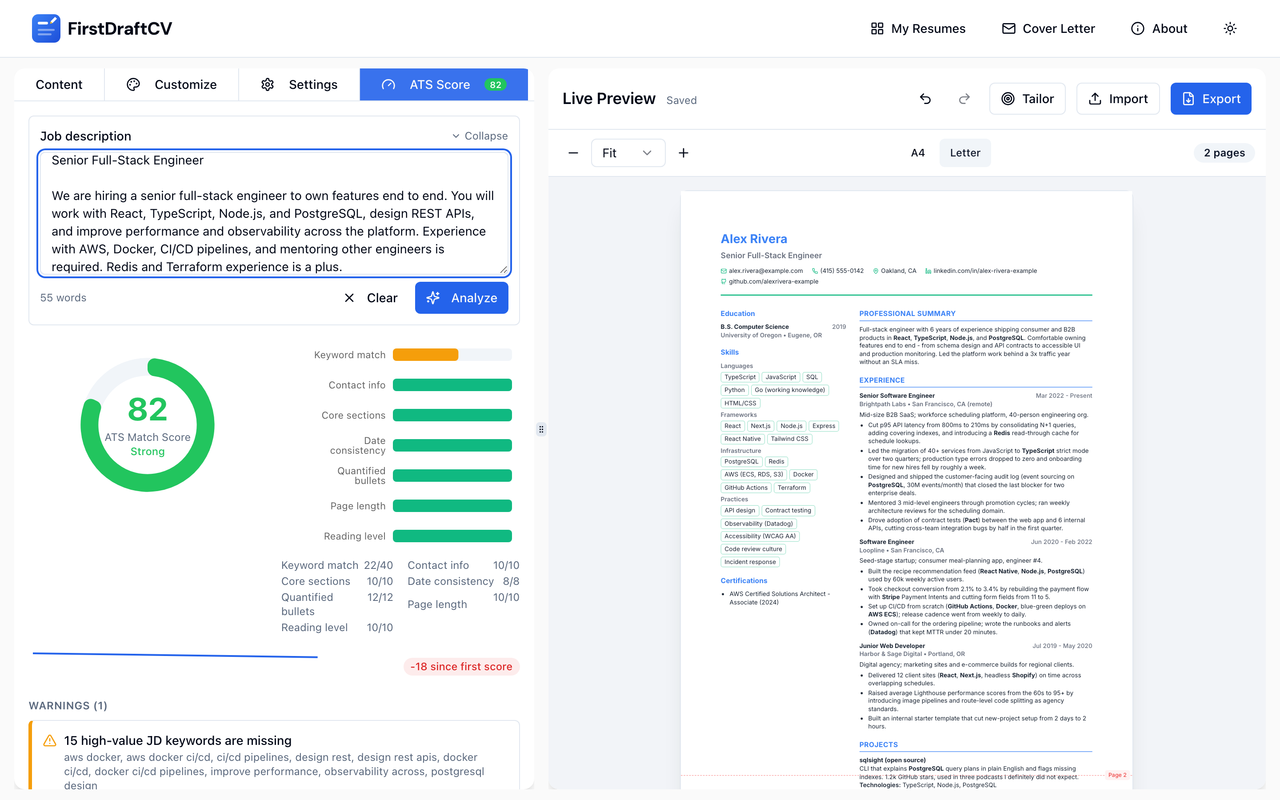
Score against the real posting
Paste the job description and see keyword, section, and formatting checks with one-click fixes.
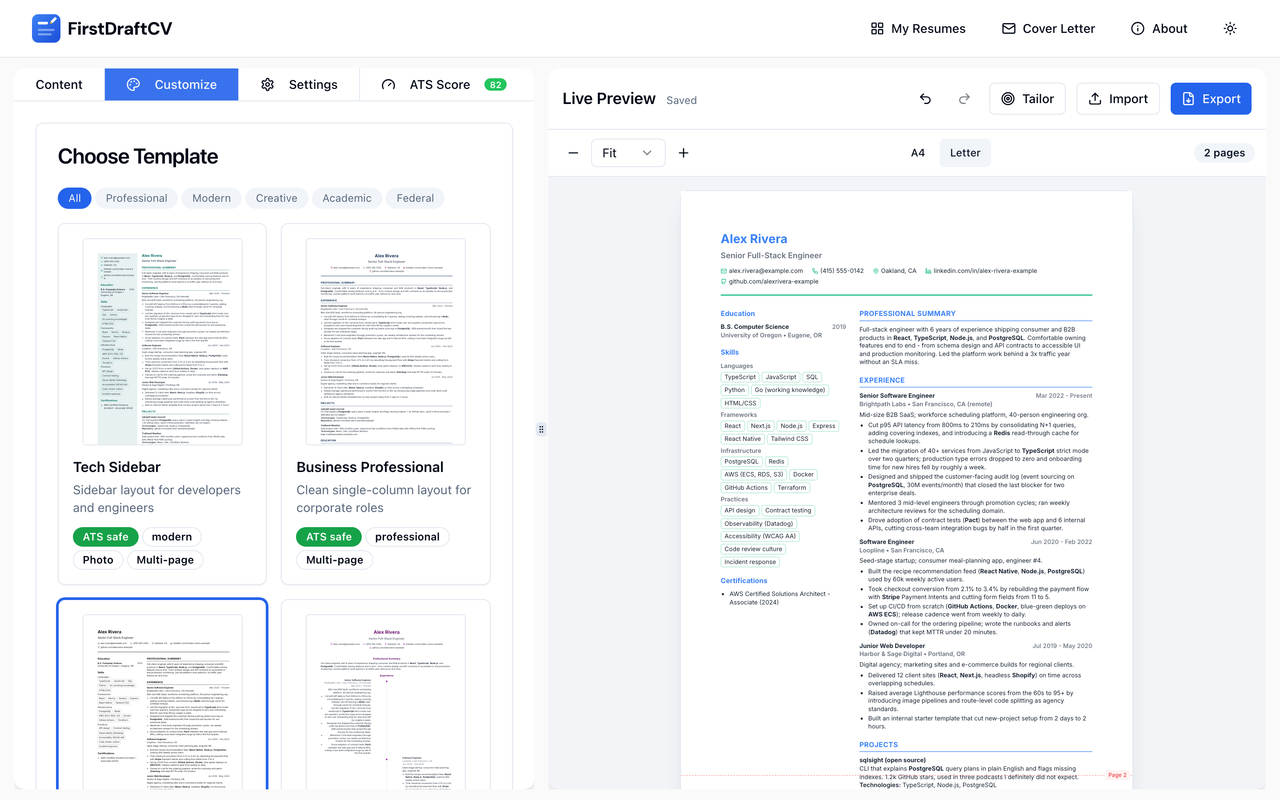
Switch designs, keep every word
The gallery renders your actual resume in each template - no surprises after switching.
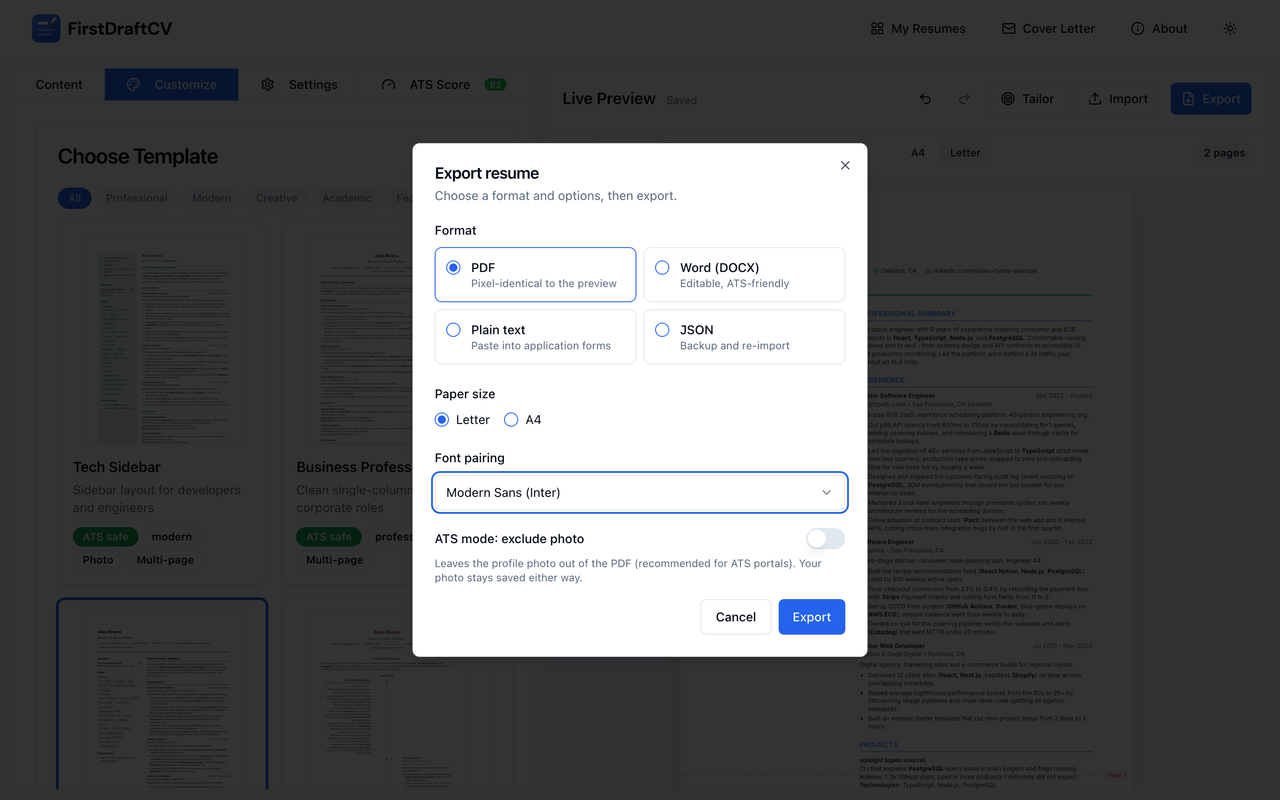
Export without cleanup
Print-accurate PDF, ATS-safe DOCX, plain text, and a JSON backup - all from one dialog.
Templates
TWELVE DESIGNS, ONE RESUME
Switch designs any time - your content never changes. Templates marked ATS-safe use a single reading order and no layout tables.
 Tech SidebarATS
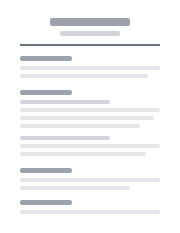 Business ProfessionalATS
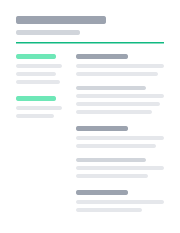 Modern MinimalATS
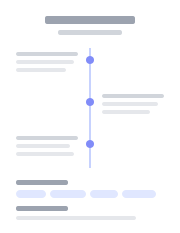 Elegant Timeline
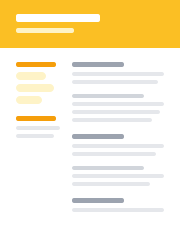 Creative Modern
 B-JET Professional
 Executive ClassicATS
 Compact One PageATS
 Academic CVATS
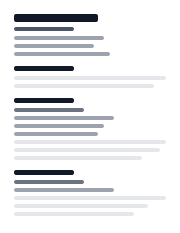 Federal DetailedATS
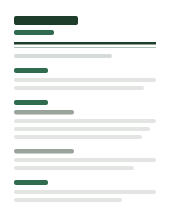 CornerstoneATS
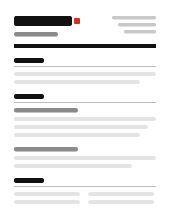 MeridianATS
HONEST NUMBERS
No fake reviews here. These are the facts you can verify yourself in about a minute.
- 12
- templates, all exportable
- 4
- export formats: PDF, DOCX, TXT, JSON
- 7
- resume readiness categories checked
- Optional
- account sync across devices
FAQ
COMMON QUESTIONS
Is FirstDraftCV really free?
Editing and exports are available without a paid plan. Accounts are optional. AI features use a configured server and are subject to the displayed usage limits.
Where is my resume data stored?
Resumes and drafts save on your device. AI features send the supplied material to our server and AI provider. Optional account sync stores resumes and applications on the server. Keep a JSON backup for recovery.
Will my resume pass ATS screening?
Templates marked ATS-safe use a single reading order, real headings, and no layout tables. The built-in resume readiness score also checks your content against the specific job description - keywords, sections, dates, and formatting.
Does it work offline?
After the app is installed or cached, you can edit saved resumes and use available exports offline. AI generation, Market refreshes, and account sync require a connection.
What export formats are supported?
PDF (print-accurate), DOCX (ATS-safe mode or styled mode, opens in Word and Google Docs), plain text, and JSON for backup and re-import.
Do I need my own AI key?
Not when the hosted AI server is running - the app detects it automatically. Without it, every non-AI feature still works: editing, templates, ATS scoring, and all exports.
Where do the job postings on the Market page come from?
From public company career APIs. Check each posting’s last-seen date and employer link for current availability. Extracted requirements support resume comparisons and application preparation.
Will the LinkedIn posts sound like AI wrote them?
Posts uses your resume and notes, with optional writing samples. Wording checks flag some common filler, but cannot verify facts or authorship. Edit and review the drafts before sharing them yourself.
READY TO BUILD YOUR RESUME?
Import your resume, start blank, or structure your own background. You can be editing a real resume in under a minute.